

Integrating learning tools into Moodle & Co.: LTI 1.3


Answering students' questions around the clock, patiently explaining course material, giving feedback on first drafts. AI tutors today take on tasks that used to fall to teaching staff alone. And they are only the latest example: digital whiteboards, quiz and video platforms or simulations, all of these are external tools that lecturers like to bring into their courses.
And with all of them, the same question arises: how do I integrate this cleanly into my course? Because as soon as it sits outside the Learning Management System (LMS), the friction begins: a second login, a separate account, a jump out of the course, and the results never make it back into the LMS. A good idea quickly turns into an obstacle, and usage grinds to a halt. For IT, a second question often weighs even more heavily. As soon as platform and tool exchange data, sensitive and personal data is also involved, and CIOs as well as platform providers watch closely how securely that transfer happens. Convenience for students and data security for the institution therefore have to come together.
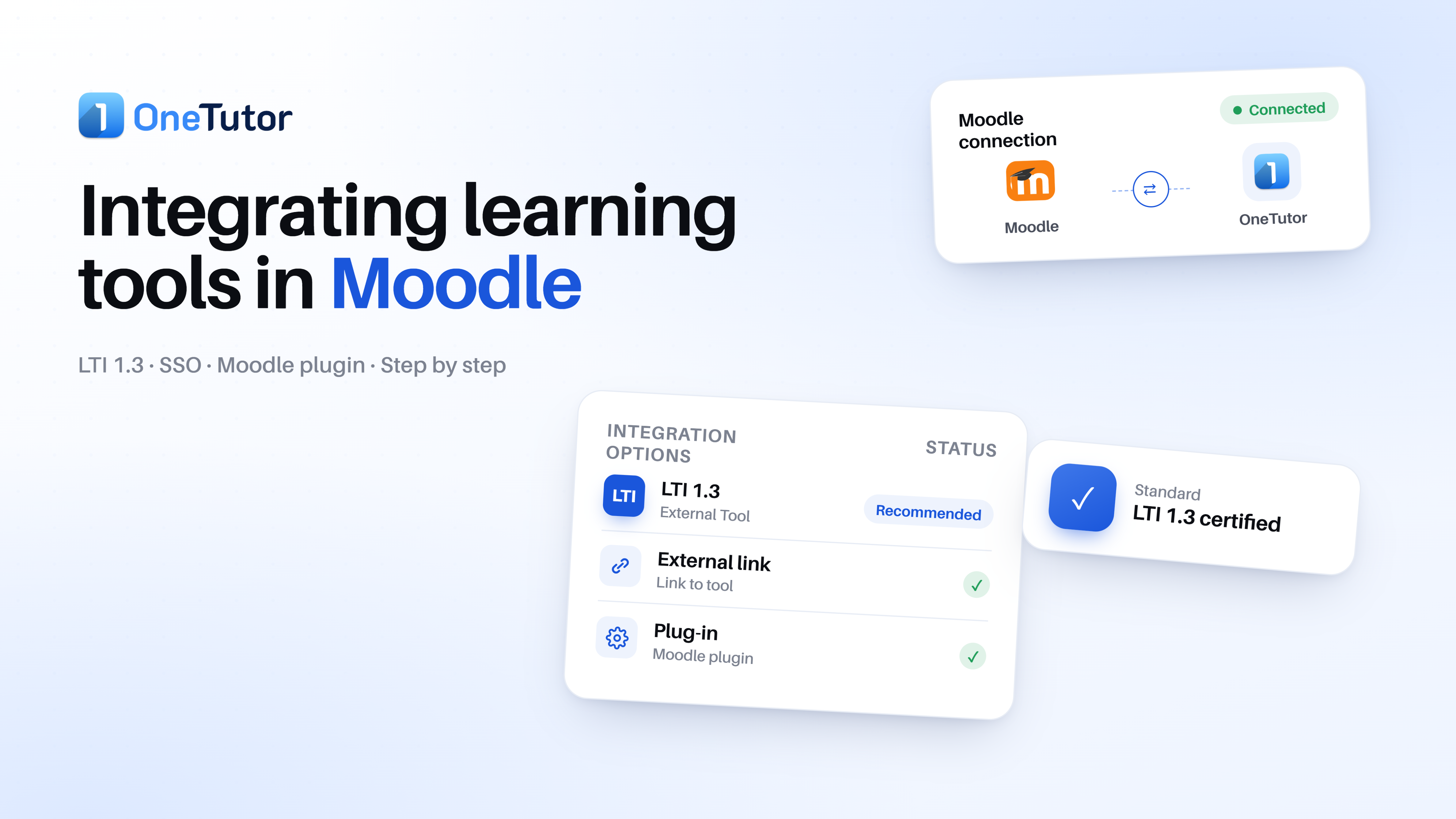
There are several ways to achieve such an integration, from a quick link, through a plugin, to the LTI interface, each with its own advantages and disadvantages in terms of effort, login and data protection. In the following, we look in particular at the option of LTI 1.3.
What is an LTI interface?
LTI stands for Learning Tools Interoperability. It sounds more cumbersome than it is, because behind it lies a simple idea: a common language that lets an LMS and an external tool work together, without anyone having to program the connection by hand. The easiest way to picture LTI is as a kind of universal adapter. Just as a travel adapter connects any device to any socket, LTI ensures that learning tools can be plugged into different learning platforms. On one side is the platform, that is the LMS such as Moodle, Canvas or Blackboard. On the other side is the tool, for example an AI tutor, interactive video players, digital whiteboards, quiz applications and so on, which are connected to the LMS in a standardized way via the LTI interface.
In essence, three things are mainly governed here:
- One login: Students sign in only once via the LMS and reach the tool without any further login. No second password, no separate account.
- No media disruption: The tool appears directly in the course, in the right place. Students stay in their familiar course context.
- Secure data exchange: Results such as grades or activities flow back into the LMS. The exchange runs encrypted and authenticated, which addresses exactly the security question raised above.
The current version is LTI 1.3, the present standard from 1EdTech (formerly IMS Global). Compared with its predecessors, it brings above all a considerably more secure method for login and data exchange. In practice, it is at the same time the only version that can still be connected to current learning platforms: modern LMSs support either LTI 1.3 or no LTI connection at all. The choice of version is therefore essentially made for you. The real question is whether an LTI connection is the right way at all. Because external tools can be integrated into Moodle and other systems in different ways, and it is precisely these alternatives that the next chapter examines.
Why LTI at all, rather than a plugin, the native route or simply a link?
The simple link:
A tool can be embedded in the course as an external link. This has two clear advantages: it is quick to set up and works with almost any offering. Especially for short-term use of products, this is therefore the simplest and most plausible solution. The catch: if content or functions sit outside the LMS, students usually have to log in separately in the external application, and results or external data can only be fed back into the LMS with difficulty. Even though this extra step seems harmless at first, it makes itself felt in usage: small hurdles add up, and in the end significantly fewer students use the offering. For a quick test a link is therefore ideal; as a permanent solution, however, it creates a noticeable media disruption and obstacles to adoption.
The plugin:
A plugin extends the chosen LMS with additional functions and can integrate a tool deeply into the platform. The price for this is effort and maintenance. Moodle itself advises checking carefully, in the case of production systems, whether a plugin is really needed, because "more functionality means more things to support, more things to (potentially) go wrong and more things to worry about at upgrade time". On top of this come the questions of whether the plugin is maintained, whether there is support, and what happens if it no longer runs in a future Moodle version. The version is delicate too: if the wrong plugin version is installed for your own Moodle server, it can cause "serious problems, even freezing of the Moodle site".
The native route:
Some functions the LMS already brings along itself. In Moodle, since version 4.5 this is the AI subsystem, the basis for embedding AI functions into teaching and learning activities. It can be connected to various LLM providers (initially OpenAI and Azure) and offers functions such as generating text and images in the editor as well as summarizing course content, managed centrally via the site administration. The advantage: no additional external tool and no separate procurement. The downside: the range of functions is limited to what the subsystem provides through its placements, actions and providers, and it requires an LLM provider to be connected.
What data flows where, and is it legally sound?
As soon as a tool is integrated via LTI, the learning platform and the tool exchange data. For a university, two questions matter above all here, and both sound more technical than they are: which data actually moves back and forth? And when is this exchange legally sound?
The first question can be answered with a simple image. The handover is best pictured as a tamper-proof handover slip (a so-called JSON Web Token). When a person opens the tool from within the course, the platform passes this slip to the tool. It contains only what is essential: which role the person holds in the course, that is student or teacher, and which course it concerns. Whether personal details such as name or email address are also on it is decided solely by the platform, not by the tool. For you, that means: the university keeps in its own hands which personal data leaves the building.
During ongoing operation, further handovers of the same kind are added. Through them, the tool can, for example, retrieve a course's participant list, report grades back into the platform's gradebook, or place selected content directly in the course. All of this runs encrypted and via modern security methods, and that is precisely what addresses the concerns that IT and data protection rightly have.
As useful as this slip is, there are a few things it explicitly does not govern. It describes the individual handover, but does not determine which courses a tool may access overall. That boundary the platform has to draw itself, so that a tool really only sees the courses in which it is used. LTI 1.3 recommends this explicitly, but does not require it. For the university, it is therefore worth a brief check whether your own learning platform implements this restriction.
And there is something else the slip does not say: whether an integration is ultimately legally permissible. That is decided on an entirely different level. The mechanisms described do align well with familiar data protection principles such as data minimization, purpose limitation and access restriction. But whether a specific connection is permitted depends on things outside the standard: on a data processing agreement under Art. 28 GDPR, on the location of data processing, and on which personal fields the platform releases. The standard therefore provides the technical foundation. An integration only becomes legally viable with these organizational decisions.
LTI 1.3: What the standard can and cannot do
To make it tangible what LTI is good for in everyday use, it is worth looking at the functions the standard actually brings along:
- One login via the LMS. Students are already logged into their respective LMS. Via LTI, this login is enough to reach the tool as well. No second password, no separate account. For students, it feels as if the tool were part of the course.
- Embedding in the right place. Teachers can place the tool, or even a specific activity within it, exactly where it belongs in the course, for example as its own course activity in the appropriate week. The mechanism that makes this exchange possible is called Deep Linking.
- Access only within the respective course. The tool always receives its information in the context of the specific course, not for the entire university. Each course thus stays cleanly separated from the others.
- Results flow back. What students achieve in the tool can be fed back into the LMS automatically, without teachers transferring anything by hand. And this is not limited to grades. What can flow back includes, for example, the submission status, several partial grades for one assignment, or a changed due date. This is made possible by the Assignment and Grade Services (AGS).
- Secure data transfer. Login and data exchange run encrypted and signed, secured via the same tamper-proof handover slip described above. It is precisely here that the essential progress over the older LTI versions lies: it addresses exactly the security concerns that IT and data protection rightly have.
In sum, LTI 1.3 ensures that an external tool feels like a natural part of the course: one login, embedded in the right place, with results in the LMS and a transfer that holds up to data protection requirements.
What LTI 1.3 cannot do:
LTI is deliberately narrowly scoped. It governs the connection between LMS and tool, not their content and no deeper merging of the two systems. Several things therefore lie outside its scope and have to be solved elsewhere:
- No automatic synchronization of course materials. LTI does not transfer files, scripts or slides from the LMS into the tool. If the course materials are to be available in the tool, they have to be stored there separately.
- No fully native interface. The tool appears in the course but keeps its own look and its own operation. It is embedded, not rebuilt in the look of the respective LMS.
- A fixed set of data. LTI passes on defined information, essentially identity, role and course context. Further data such as forum posts, complete profiles or arbitrary course metadata is not part of the exchange.
- No analytics integration. Detailed learning analytics do not flow via LTI into the respective LMS's reporting.
Operation: effort, support, updates?
Effort: The standard was designed with the goal of keeping the long-term effort for support and maintenance of such connections low, for the university as well as for the providers. The actual effort arises above all once, during setup: login and data exchange have to be set up according to modern security methods, and the associated security keys have to be managed securely. IT handles this once, and teaching staff notice nothing of it.
There is one practical stumbling block when copying courses. Normally the internal identifiers of the embedded links change in the process, so that links are lost and have to be recreated. With Deep Linking they are preserved: the embedded activity continues to work in the copied course, without teachers having to set it up again.
Support: Around the standard there are fixed points of contact, from open community forums through FAQs to closed channels for members. More important for the university is another point: if a tool is officially certified and problems arise during the connection, the standards organization 1EdTech works together with the provider on a solution. Certification here is more than a one-time test. It obliges the provider on an ongoing basis to maintain its implementation, fix errors, and re-check with new versions. For the university, this means: you do not rely on a promise, but on a verified and maintained connection.
Updates and operation: During ongoing operation, the security keys can be renewed without interrupting the connection: the platform can provide new keys or replace old ones while the integration stays active. And because there is an official, already certified reference implementation, providers do not have to start from scratch but can orient themselves on a vetted template. For the university, this means less friction in everyday use: updates do not bring operations to a standstill, and the connection stays at a maintained level.
Whether link, plugin, native function or LTI, there is no single right way. It depends on how deep the integration needs to reach, how much IT can sustain over the long term, whether one or several platforms are involved, and how strict the data protection requirements are. LTI 1.3 is not an end in itself here, but an offer: a standardized way to integrate an external tool with just one login, in the right place in the course, and with a secured data exchange. What the standard does not deliver, such as the synchronization of materials or deep learning analytics, remains to be solved elsewhere. And whether an integration is ultimately legally permissible is decided only with the contract, the processing location and the configuration. This brings the circle back to the beginning: convenience for students and data security for the institution have to come together. Anyone who knows the points described here can weigh up, for their own university, which way suits the respective tool and their own situation.